
What is a mockup, and what makes a good product photo?
In POD, the product isn't printed until an order comes in, so its photo is usually a mockup. We explain what a mockup is, when Etsy allows it and how to build a photo set that gets clicks in search results.
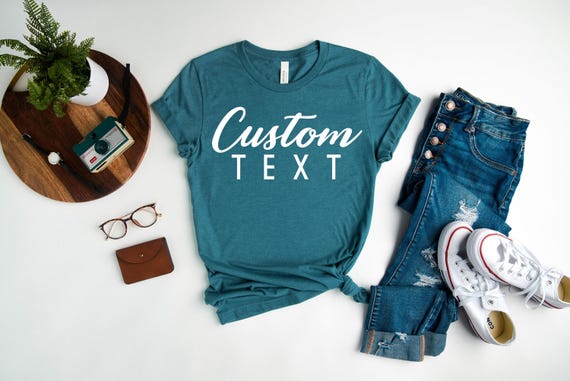
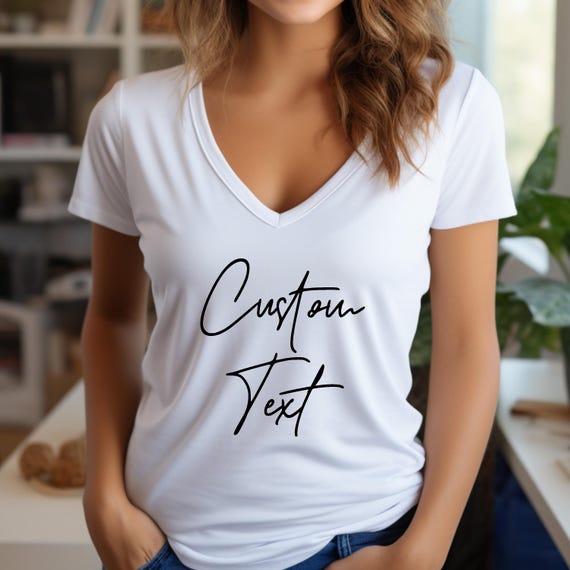
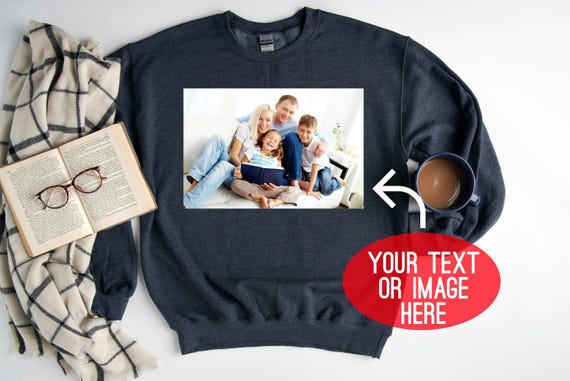
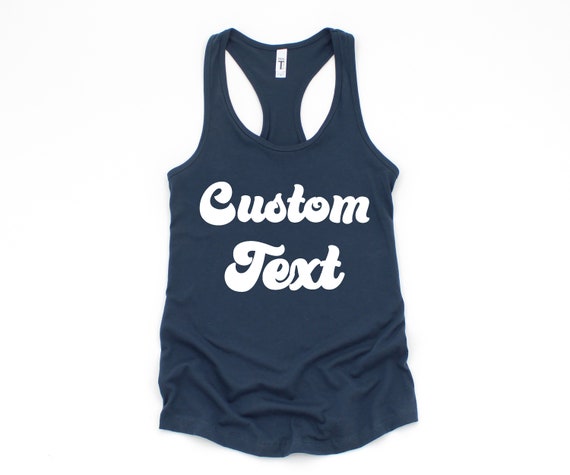
When shopping online, buyers can't touch the product; they decide by looking at photos. The first photo they see in search results determines whether they click on the listing. In POD, the product isn't printed until an order comes in, so you don't have a physical product on hand. A mockup fills that gap.
What is a mockup?
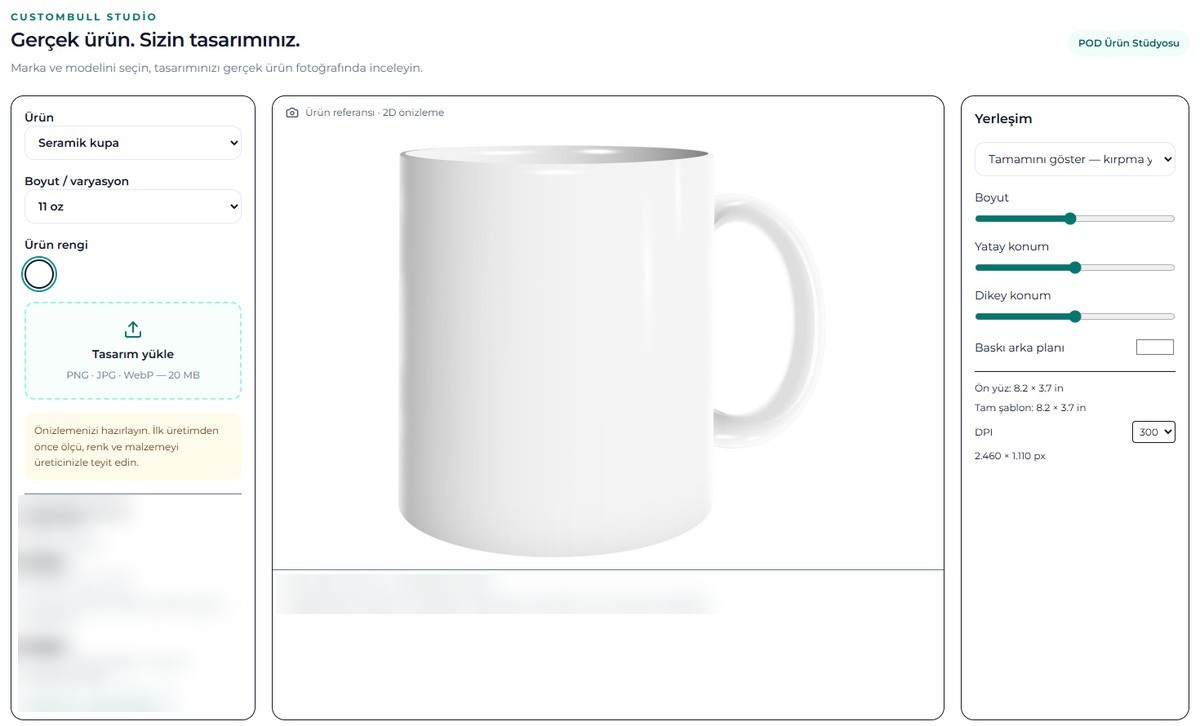
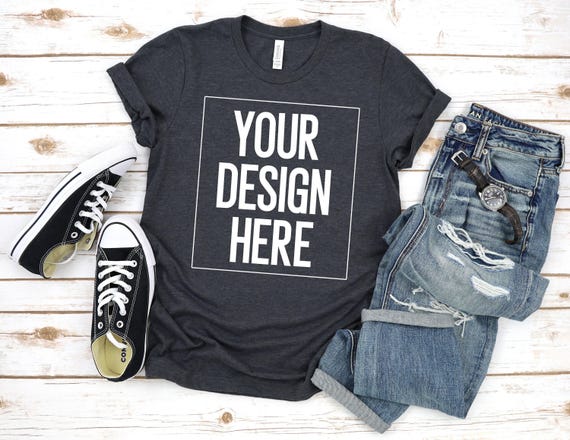
A mockup is an image that shows how your design will look on the product. Usually the design is placed on a photo of a blank t-shirt, sweatshirt or tote bag so that it follows the folds and lighting of the fabric. A well-made mockup gives the buyer an accurate idea of how the product will really look.
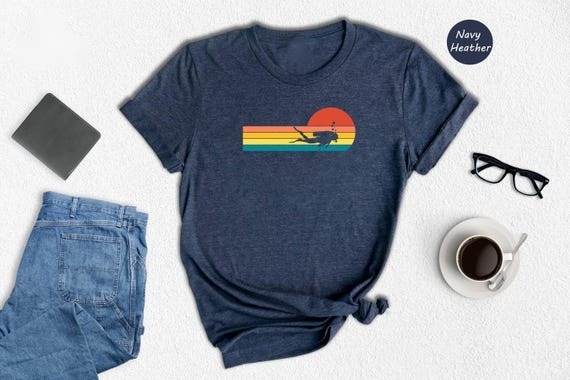
- Flat lay mockup: the product on a surface, as if shot from above.
- Mannequin or hanger mockup: the product hanging or on a mannequin.
- Lifestyle mockup: the product on a person, in a real setting.
- Detail mockup: a close-up view of the print.
Does Etsy allow mockups?
Yes, under certain conditions. Etsy's rules require listing photos to accurately show the actual item the buyer will receive, and in general they don't allow stock photos or photos from other sellers. But there is an important exception for POD:
- If you have your own original design printed on an item such as a t-shirt or mug by a production partner, you can use a mockup made on a stock photo to show the final item the buyer will receive.
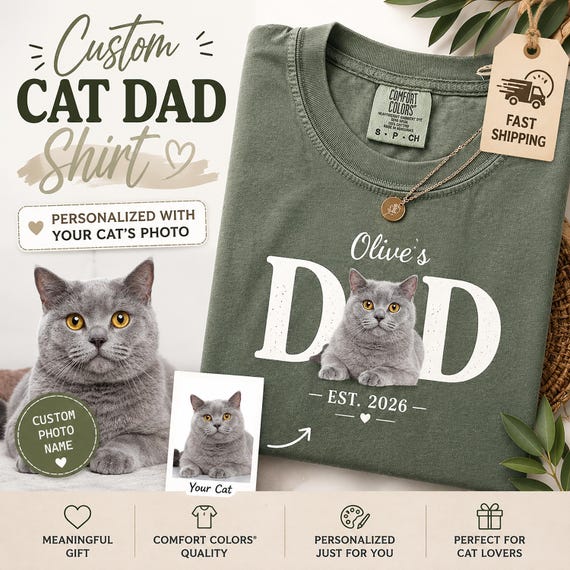
- For personalized items (such as a t-shirt with the buyer's own text), the first image must show a finished, personalized item similar to what the buyer will receive. Using a blank product photo or a mockup with placeholder text is not allowed.
Etsy's technical photo recommendations
Here is what Etsy's image requirements help page says as of September 2026:
| Topic | Etsy's recommendation or rule |
|---|---|
| File type | .jpg, .gif, .png, .svg or .heic |
| Recommended size | At least 2000 pixels in width and height |
| First photo minimum | At least 635 pixels in width and height; smaller images may appear lower in search |
| File size | Images over 1 MB may fail to upload, especially on slow connections |
| First photo orientation | Landscape or square; the first photo also sets the shape of the other photos |
| Thumbnail | Leave enough space around the edges so the image can be cropped square, portrait and landscape |
The thumbnail setting matters: Etsy can crop your listing image at different ratios in different places. To keep the design visible when cropped, place the product in the center of the image and preview it with the thumbnail adjustment tool on the listing editing screen.
How to build a good photo set
One mockup isn't enough. Buyers want to see the product from different angles and choose the right color and size. The order below is a framework that works well for POD t-shirts:
- Main image: a mockup with a clean background that shows the design clearly. This is the photo that appears in search results.
- Lifestyle image: show the product on a person, in a setting that fits the audience.
- Color options: show how the design looks on different shirt colors in a single image.
- Detail: a close-up of the print; buyers want to see the quality.
- Size chart: the model's measurements; this reduces size-related returns.
- Moment of use: if there's a gift, special occasion or event angle, an image that shows it.
- Video: a short product video adds motion and trust to the listing.
Common mockup mistakes
- Placing the design so it doesn't follow the fabric's folds and looks "pasted on".
- Showing a color in the mockup that isn't actually sold.
- Showing the print larger than on the real product.
- Using the same model and background on every listing, making the shop look monotonous.
- Using photos or mockup templates without a license.
Product photos with Custombull
In Custombull, AI turns your design into sale-ready product photos: 5 photos for 3 credits. A 10-second product video from a photo is 5 credits. For your existing products on Etsy, the "get ready to sell" feature reviews your product photos, fixes the cropping, organizes color and size options and creates product photos with AI. In Automated Production, the mockup is prepared together with the design and listing copy.
Frequently asked questions
Do I need to photograph my own product?
If you have your original design printed by a production partner, Etsy allows you to use mockups. Still, ordering a sample and taking real photos is a strong addition for detail and lifestyle images.
Which image should I use for a personalized t-shirt?
Under Etsy's rule, the first image must show a finished, personalized item similar to what the buyer will receive. Use a mockup made with a sample name or text; don't use a blank image or one with placeholder text.
Why do my photos look blurry?
Etsy compresses uploaded images, and enlarging a small image hurts sharpness. As Etsy recommends, use images of at least 2000 pixels and don't compress the file more than necessary.