

Start selling without inventory or equipment
With print on demand (POD), you don't make products in advance. When a customer buys, our partner producers print, pack and ship the order. You can upload your own designs or have Custombull create the ideas and designs for you.
POD in 7 steps
You don't make products first and then try to sell them. You sell first, then the product gets printed.
- 1Idea
The idea engine scans what buyers are searching for and what is trending; ideas pass copyright and platform policy checks.
- 2Design
AI creates the design, or you upload your own. You pick a product like a t-shirt or sweatshirt and set up color and size variants.
- 3Listing and sync
Prepare your listing with SEO in mind and copy it between your connected platforms. Drafts first, live with your approval.
- 4Order
The customer buys and the order lands in your dashboard automatically.
- 5Right design, printed
The right design file for the order is found, and it is printed by the best-fit producer in our US partner network.
- 6Quality check
Custombull checks and guarantees the quality of every product.
- 7Delivery
The product is packed and shipped. Your customer follows the order on a tracking page with your branding and sends questions and personalization requests from there.
Don't have a shop yet?
To connect to Custombull, you first need a shop on a sales channel. Each platform's own website explains its signup steps and rules; below is the general order.
- 1Choose your channel
Etsy for a built-in buyer base, Shopify for your own brand and domain. You can also use both.
- 2Create an account
Open a seller account on the Etsy or Shopify website. Enter the ID, payment and tax details the platform asks for.
- 3Complete your shop settings
Set your shop name, logo and payout account. Check the platform's help pages to see which payout accounts are accepted.
- 4Connect to Custombull
Connect in a few clicks from the store connection screen in the dashboard. From then on, your orders arrive in the dashboard.
What does your first week look like?
With an hour or two a day, you can get your first listings live within a week. The order below is the most solid way to start.
- 1Day 1: Sign up and open the Academy
Sign up with your email address or your Google account. Get to know the system with the first module of the in-dashboard Academy.
- 2Day 2: Connect your shop
If you have an Etsy shop, connect it in a few clicks. If not, open an Etsy shop first, then connect it. You can also start with Shopify or eBay.
- 3Day 3: Pick your first designs
If you have your own designs, upload them. If not, let AI create designs for ideas you like in the idea engine, or start with simple text designs: a job, a hobby, a family joke. 3 to 5 designs are enough to begin.
- 4Day 4: Set up products and variants
Choose a t-shirt in the product wizard and set up color and size variants. Save them as a template and reuse them on future products in one click.
- 5Day 5: Run a copyright check
Run your design and title through the copyright check. If it resembles a well-known brand or character, the reason is explained so you can fix it before publishing.
- 6Day 6: Finish the listing and publish
Write your title, 13 tags and description with SEO in mind, add your mockups and publish in your shop.
- 7Day 7: Get to know the orders screen
Learn where an order lands, how it goes to print and what your customer sees on the tracking page. Then keep adding new designs.
The most common worries when starting out
Almost every beginner worries about the same things. Each one has a concrete answer.
Since you don't buy inventory, you're never stuck with unsold products. You only pay for the product when an order comes in. The Free plan has no monthly fee either.
Custombull checks and guarantees the quality of every product. If a defective item goes out, you report it with a photo from the order screen and get a no-questions-asked refund or a free reprint.
Marketplaces can remove listings that use other people's brands and characters. The copyright check shows you this risk before you publish and explains why.
Yes. The dashboard is available in 5 languages: English, Turkish, German, Spanish and French. AI prepares SEO suggestions for listing titles, tags and descriptions (on Bronze and Gold).
Printing, packing and shipping are handled by the producer, and the order file is found automatically. If you have no time at all, Automated Production finds ideas, creates designs, prepares listings and uploads them to Etsy.
Changes suggested by AI are never applied without your approval and can be rolled back. Your prices and SKUs are never touched.
You won't lose money on unsold stock or bad prints
With no inventory, there are no unsold products. You pay for the product when an order comes in: you can top up your wallet balance or pay by card. Custombull checks and guarantees the quality of every product. If a defective item reaches your customer, you get a no-questions-asked refund or a free reprint.
- No monthly fee on the Free plan
- You pay for products only when an order comes in
- No-questions-asked refund or free reprint for defective items
- Report from the order screen, with a photo
- Unsold colors and sizes in stock
- Warehouse, equipment and supply costs
- Packing and shipping are on you
- Each item is printed when an order comes in
- By partner producers in the US
- No-questions-asked refund on defective items
What should your first product be?
Starting with a single product type keeps things simple. Most sellers start with t-shirts because they are the most searched and most affordable product. When a design takes off, you put the same design on a sweatshirt, hoodie or baby bodysuit.
- Gildan 64000 Softstyle t-shirt: from $6.50, printing included
- Bella+Canvas 3001 t-shirt: from $10.50, printing included
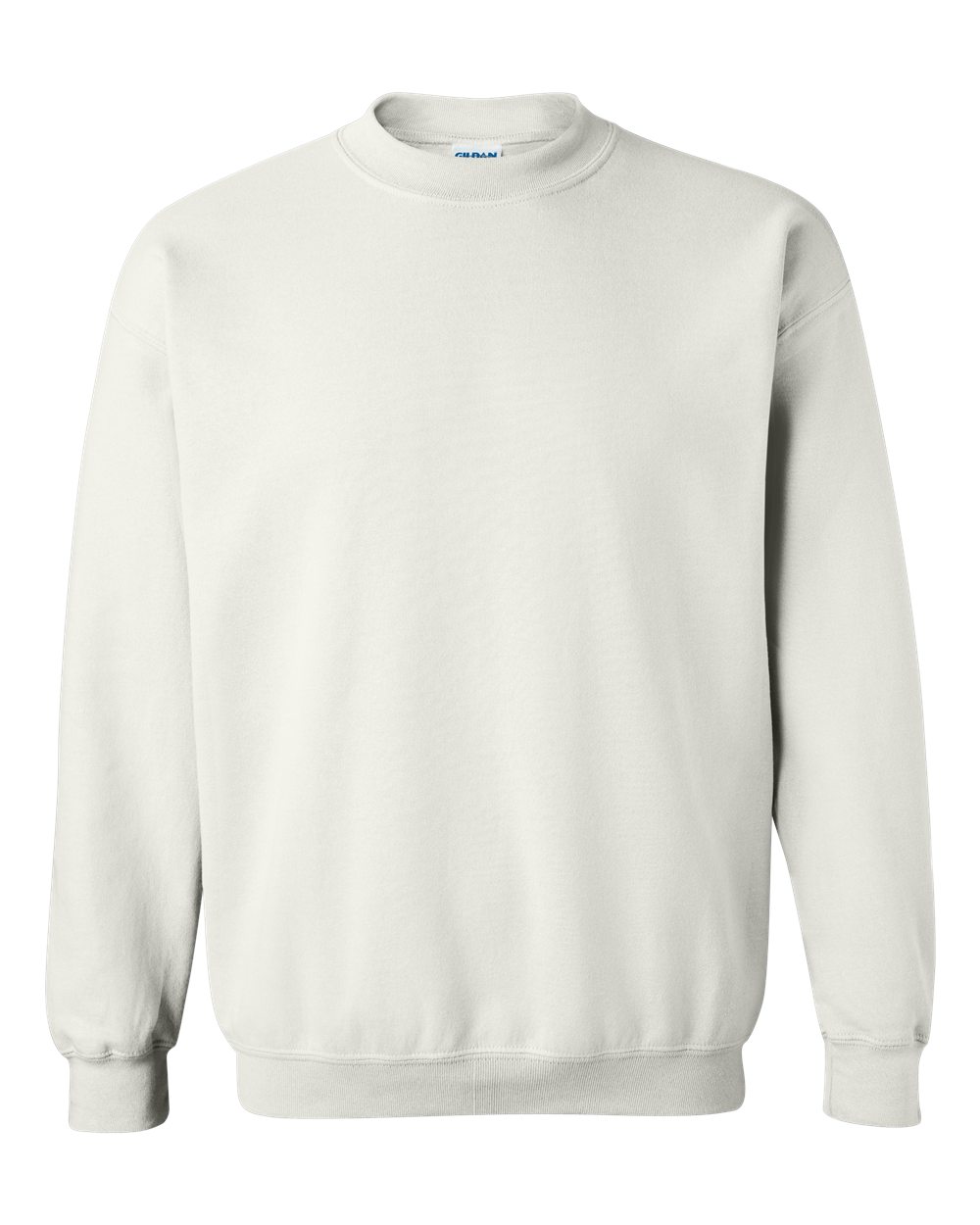
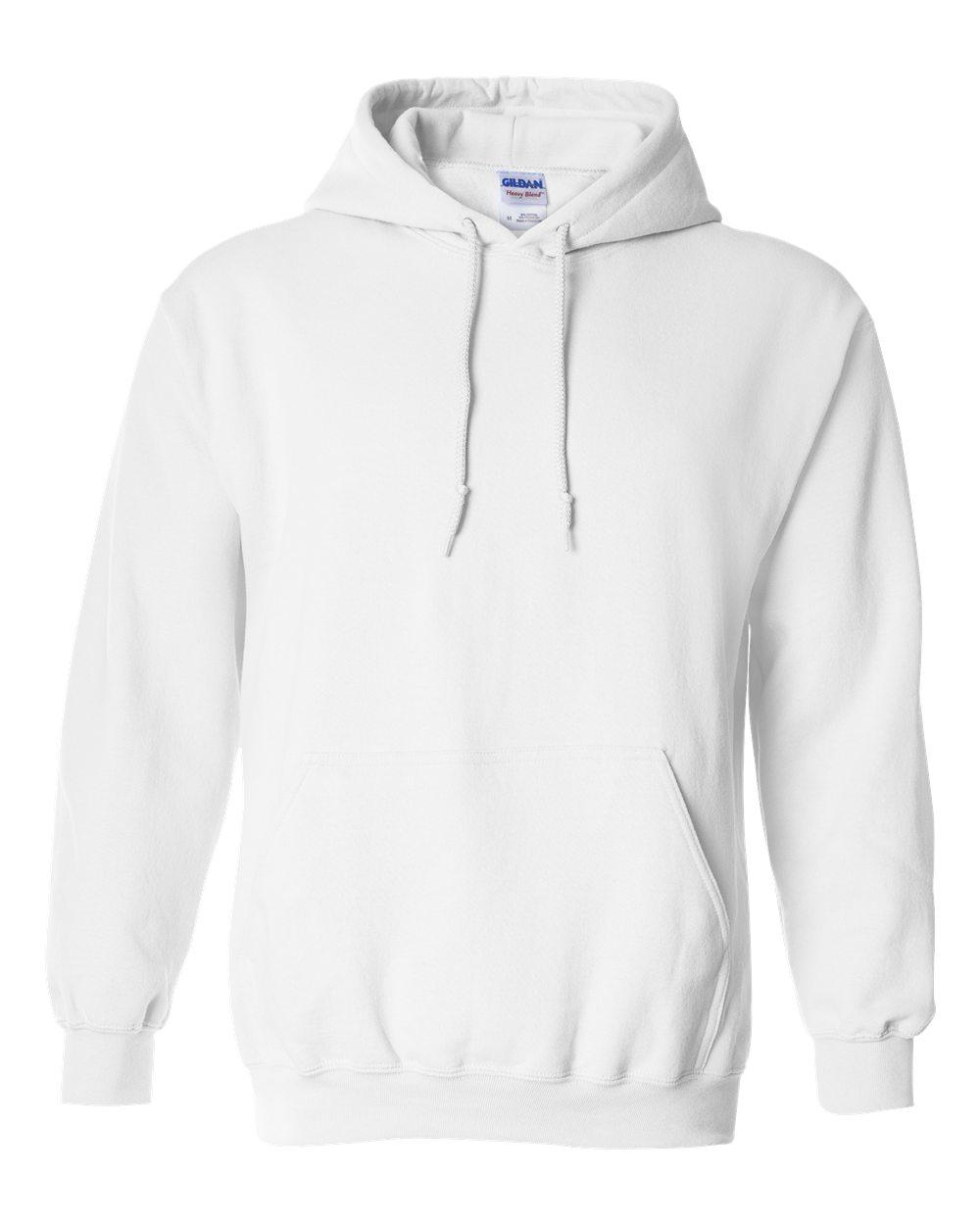
- Gildan 18000 sweatshirt: from $12.00, printing included
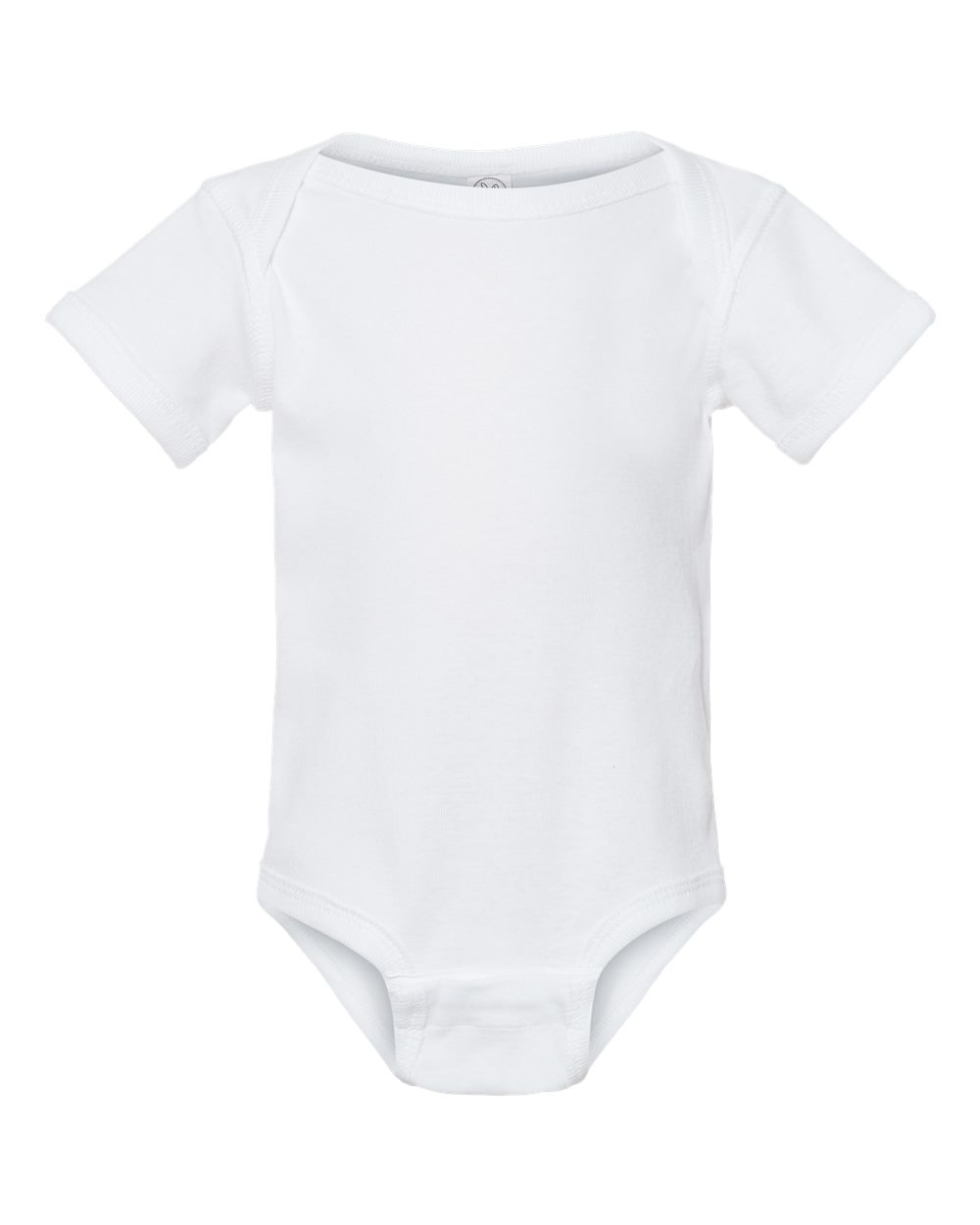
- Rabbit Skins 4400 baby bodysuit: from $11.00, printing included
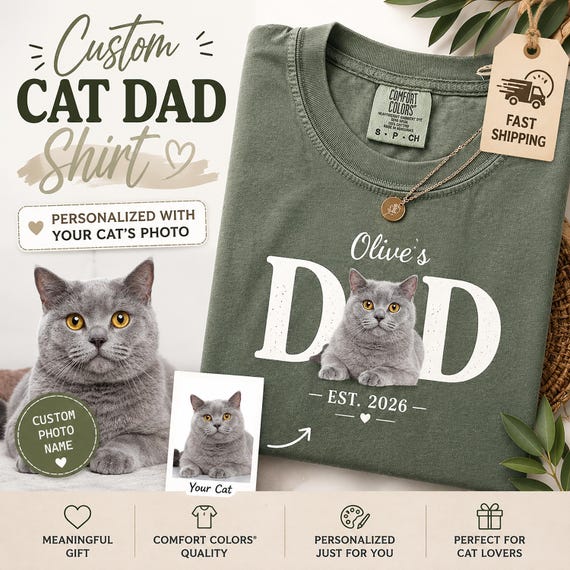
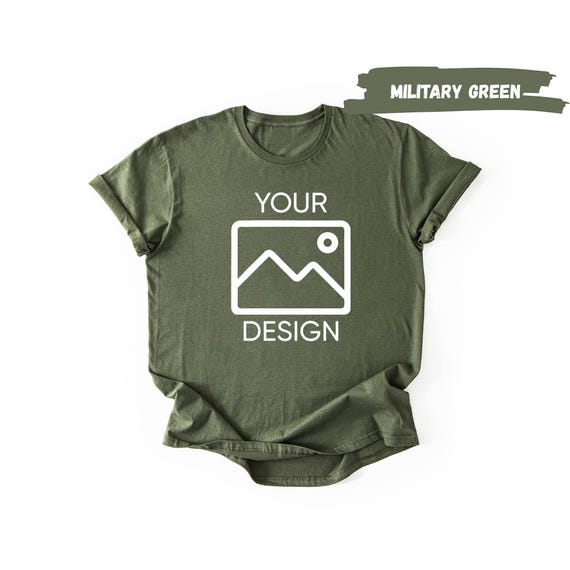
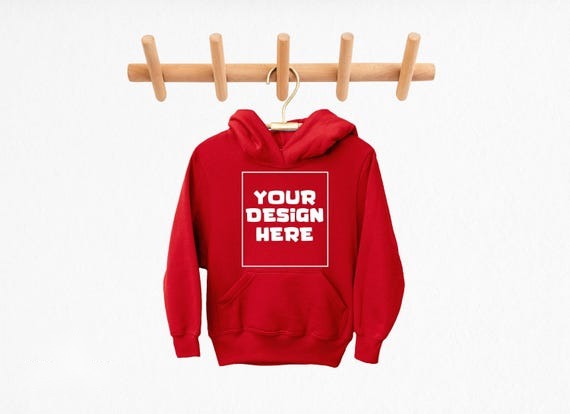
Prices with printing included
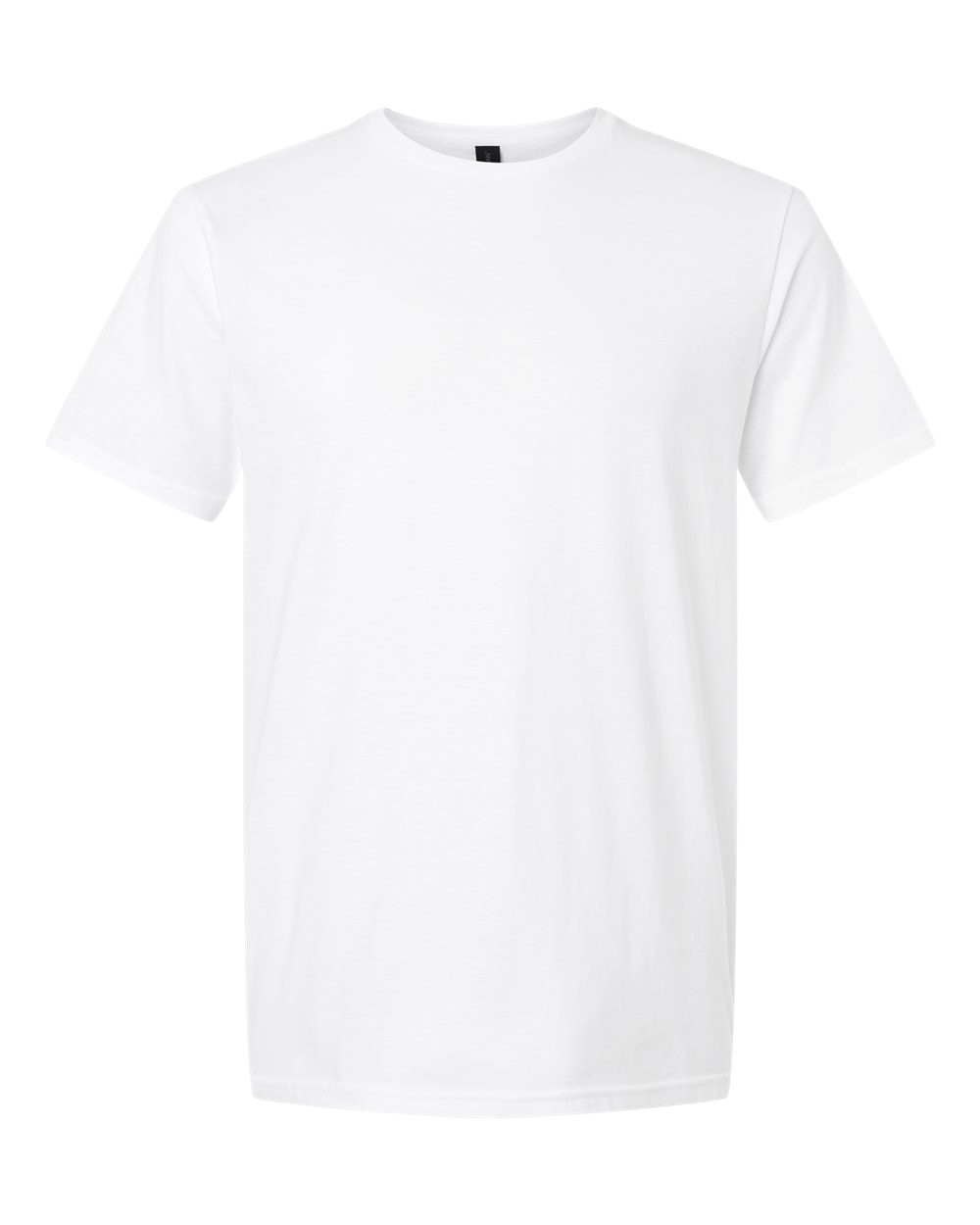
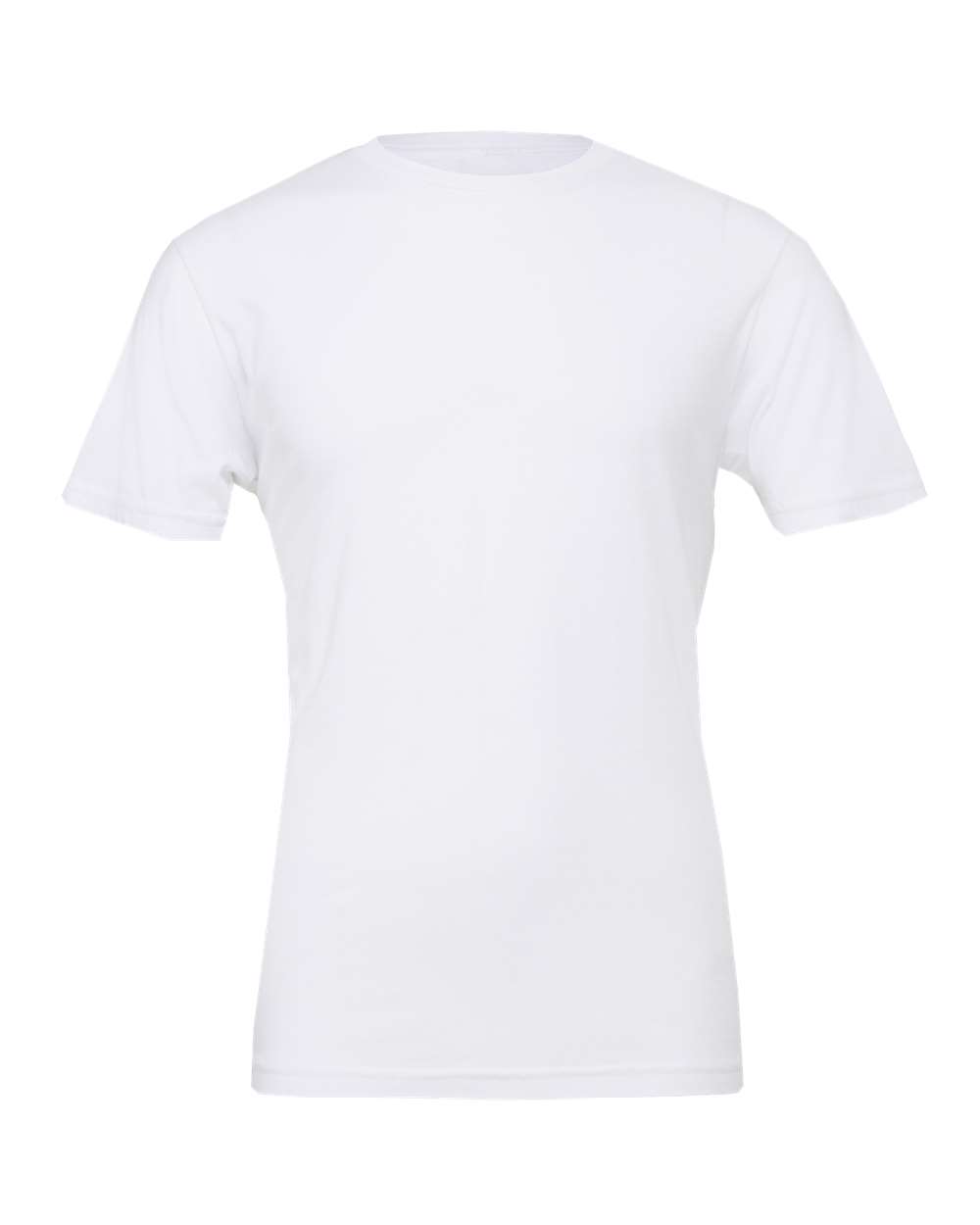
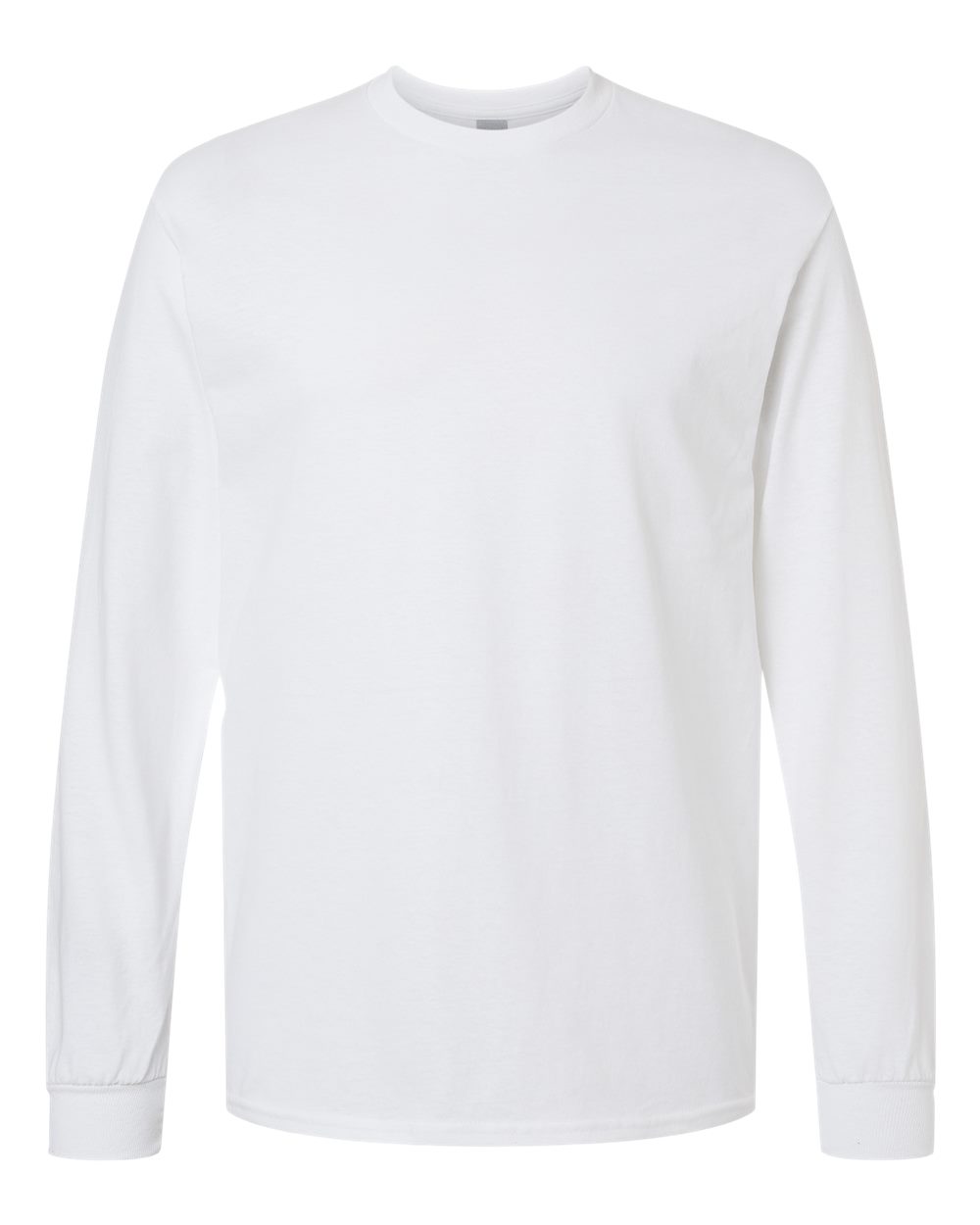
See what you keep from each sale.
Choose what you sell, where you sell it and at what price. We subtract the product and printing cost and the Etsy, eBay or Shopify fee, and show you what's left.
A month is counted as 30 days. Shipping is assumed to be paid by the customer. Taxes and ad spend are not included. Fee rates are those in effect for the US in September 2026.
Start free nowWhich plan should I start with?
Most people start on the Free plan and move to Bronze as their listing count grows.
| Free | Bronze | |
|---|---|---|
| Monthly fee | $0 | $29.99 |
| Connected stores | 3 | 5 |
| Order collection, printing, shipping, tracking page | Yes | Yes |
| Quality guarantee | Yes | Yes |
| Listing SEO optimization | No | 500 listings a day, 1 credit per listing |
| AI mockups and copyright checks | No | With the 100 credits included every month |
| Daily quick publish | No | 40 products, 1 credit per product |
No credit card required, cancel anytime.
Learn step by step inside the dashboard
The Academy has 12 modules and 41 lessons. It walks you through every step in order, from connecting a store to publishing your first listing. The dashboard is available in English, Turkish, German, Spanish and French. When you get stuck, you message the support team from inside the dashboard.
- 12 modules, 41 lessons
- Dashboard in English, Turkish and 3 more languages
- At your own pace, whenever you want
Questions beginners ask
Do I need design skills?
No. The idea engine scans what buyers are searching for and which topics are trending, and AI creates the design for the idea you choose. If you want, Automated Production runs the whole process from idea to published listing. If you have your own designs, you can upload them too; simple text designs are also a good start.
Which marketplace should I start on?
Most people start with Etsy because buyers find you through the search bar. If you want to build your own brand, Shopify is a better fit. You can also use both and move products between channels from the dashboard.
How much money do I need to start?
You start on Custombull's Free plan. You only pay for the product when an order comes in. The marketplace's own fees (such as listing and transaction fees) are separate; check them on the marketplace's website.
How much should I charge for my product?
Enter your product cost and selling price in the calculator on this page to see what you keep. Also look at what similar products sell for on the marketplace.
What happens if I use a copyrighted design?
Marketplaces can remove listings that use other people's brands and characters. The copyright check shows you this risk before you publish. It costs 1 credit per product.
What happens if a defective product reaches my customer?
Custombull checks and guarantees the quality of every product. You report it with a photo from the order screen and get a no-questions-asked refund or a free reprint.
Who prints the products?
Custombull is not a manufacturer. Your orders are printed by the best-fit producer in our partner producer network in the US.
How quickly do orders ship?
In the last 60 days, half of all orders shipped in under 2.8 days from the time the order was placed.
Get your first product ready this week
Create a free account, connect your shop and prepare your first product.
Start free