

Manage Amazon and every other channel from one dashboard
Connect your Amazon store. Copy your Amazon listings to all your connected platforms with your approval, and see your sales and orders in the same dashboard as your other channels. Compare your sales by month and by year.
 Live
Live



Keep your Amazon store connected to the rest of your business
Sync, in plain terms: a change you make in one place carries over to your other channels once you approve it. You manage your Amazon listings, orders and sales figures in the same dashboard as your other stores.
- Etsy, eBay and ShopifyAmazon listings are copied as drafts first and go live with your approval. SKUs are preserved.
- Order dashboardAmazon orders appear in the same list as orders from your other channels.
- Sales analyticsYour Amazon sales are compared month by month and year by year.
- All channelsVariant templates, copyright checks and mockups work on every channel.
One dashboard TikTok Shopsoon
Amazon at a glance
| Topic | Amazon |
|---|---|
| Channel type | General marketplace with a very large buyer base |
| Connection status | Connected: listing transfer, sales and order data, sales analytics |
| Setup | Moderate: you grant access with your Amazon seller account |
| Monthly channel fee | Depends on the Amazon selling plan you choose and its selling fees |
| What you can do with Custombull | Listing transfer to all channels, order and sales tracking, multi-year sales analytics, copyright checks |
| Best for | Amazon sellers who want to manage all their stores from one dashboard |
For Amazon's current plans and fees, see Amazon's own seller pages.
Don't rebuild your Amazon catalog on every other channel
Rewriting the listings you worked hard on for Amazon takes hours for each new channel. Custombull copies your Amazon listings to the stores you choose as drafts. They go live once you review and approve them, and the Amazon listing stays exactly as it is.
- Drafts first, live with your approval
- SKUs are preserved
- Variants are adjusted to the target channel's rules
→→See whether this year is beating last year
Amazon's own reports only show Amazon. Once you sell on more than one channel, it gets hard to track what each one brings in. In Custombull, your Amazon sales are compared across multiple years and shown side by side with your other channels.
- Multi-year comparison
- Sales and orders by month
- Side by side with your other channels
Don't let Amazon orders get lost on a separate screen
Logging into each channel separately to check orders takes time. Your Amazon orders appear in the dashboard in the same list as orders from your other channels. You see the whole day at a glance.
- One order list
- Filter by channel
- Teammates see what their permissions allow
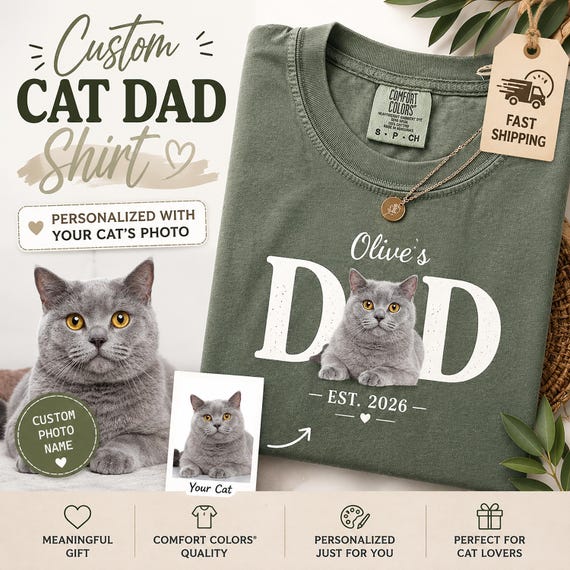 Cat dad t-shirtPrintingCustom text t-shirtShipped
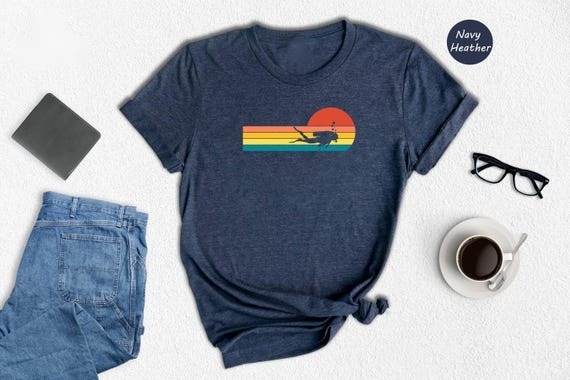 Retro scuba t-shirtNew
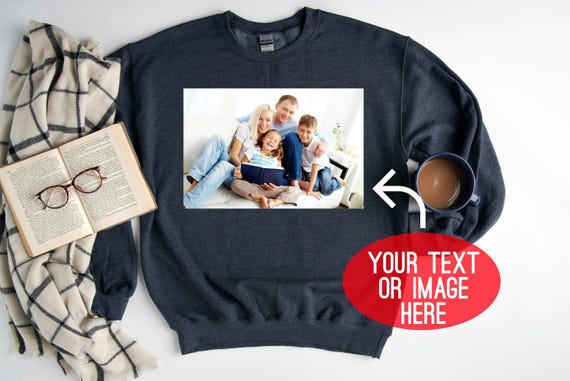 Custom sweatshirtDelivered
Connect Amazon once and see all your stores side by side
On the Stores screen in the dashboard, each channel appears as a card. Your Amazon store sits right there next to the others. This is where you confirm the connection is working and data is coming in.
- 3 stores on Free, 5 on Bronze, 10 on Gold
- A flat plan price per store; your fee doesn't grow with your listing count

Connect your Amazon store in 3 steps
- 1Create a free account
Sign up with your email or your Google account.
- 2Choose Amazon in the dashboard
Pick Amazon in the Stores section, sign in with your Amazon seller account and grant access.
- 3Your data arrives in the dashboard
Your listing, sales and order data appear in the dashboard and are managed together with your other stores.
An Amazon seller's week, with Custombull
- 1Monday: last week at a glance
See what you sold last week on Amazon and your other channels on one screen.
- 2During the week: keep an eye on orders
Amazon orders flow into the same list as orders from other channels.
- 3Scale your best sellers
Copy listings that do well on Amazon to your other platforms as drafts and approve them.
- 4New product: copyright check
Check new designs for brand and character similarity before they go live.
- 5Month end: compare by year
Compare this month with the same month last year and spot your strong and weak periods.
What you get alongside Amazon
Copy Amazon listings to all your platforms: drafts first, live with your approval.
Sales analyticsSee which periods are strongest with multi-year comparisons.
Copyright checkCheck new designs for brand and character similarity.
AI mockupsReady-to-sell mockups created from your design: 5 images for 3 credits.
Team and permissionsTeammates can work without seeing order or financial data.
Print and producer networkPrint catalog products on demand with our partner producers in the US.
Staple products with broad appeal
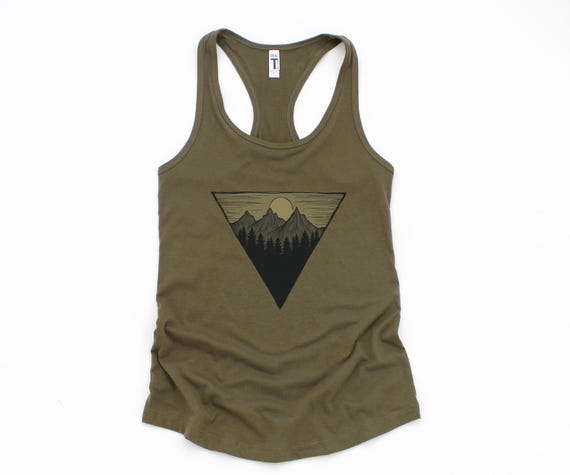
Amazon buyers like simple, giftable products that suit every age. T-shirts and sweatshirts with nature, hobby and family themes fit this audience well. Catalog products are printed on demand, so you hold no inventory.
- Gildan 64000 Softstyle t-shirt $6.50
- Gildan 5400 long sleeve $11.00
- Gildan 18000 sweatshirt $12.00
- Prices include printing

Every catalog product is covered
Custombull checks and guarantees the quality of every product. If a defective item reaches your customer, you report it with a photo from the order screen. You get a no-questions-asked refund or a free reprint.
- Report from the order screen with a photo
- No-questions-asked refund or free reprint
Figures come from Custombull system records, September 2026.
Channels you can add alongside Amazon
Your Amazon listings can be copied to these channels, and all orders arrive in the same dashboard. TikTok Shop, Walmart and Faire are in early access; Trendyol and Hepsiburada are coming soon.
Amazon FAQ
What does the Amazon connection cover?
You connect your store. You can copy your Amazon listings to your other platforms, see your sales and order data in the dashboard, and compare sales across multiple years.
If I copy my Amazon listings, does the Amazon product change?
No. The Amazon listing stays exactly as it is. A draft is prepared for the target channel and goes live once you approve it. SKUs are preserved.
Does an Amazon store count toward my store limit?
Each connected store uses one store slot. You can connect 3 stores on Free, 5 on Bronze and 10 on Gold. Extra stores are $9.99/month on Bronze and $6.99/month on Gold.
Do I have to pay to connect Amazon?
No. Connecting stores is included in the Free plan too. Amazon's own fees are separate.
Will my fee go up as my listing count grows?
No. Custombull charges a flat plan price per store. Your plan fee stays the same no matter how many listings you have.
Can I use it for products I make myself or have printed elsewhere?
Yes. Cross-channel sync, order collection, copyright checks and sales analytics work independently of production.
What if a catalog product I order turns out defective?
Custombull checks and guarantees the quality of every product. If a defective item reaches your customer, you report it with a photo from the order screen. You get a no-questions-asked refund or a free reprint.
Connect Amazon and manage all your channels from one dashboard
No credit card required, cancel anytime. Copy your Amazon listings to all your platforms and track your sales in one place.
Start free